Ant on Screen Prank
Ants are already crawling over the page, so pick a style, set the delay and hand over the screen.
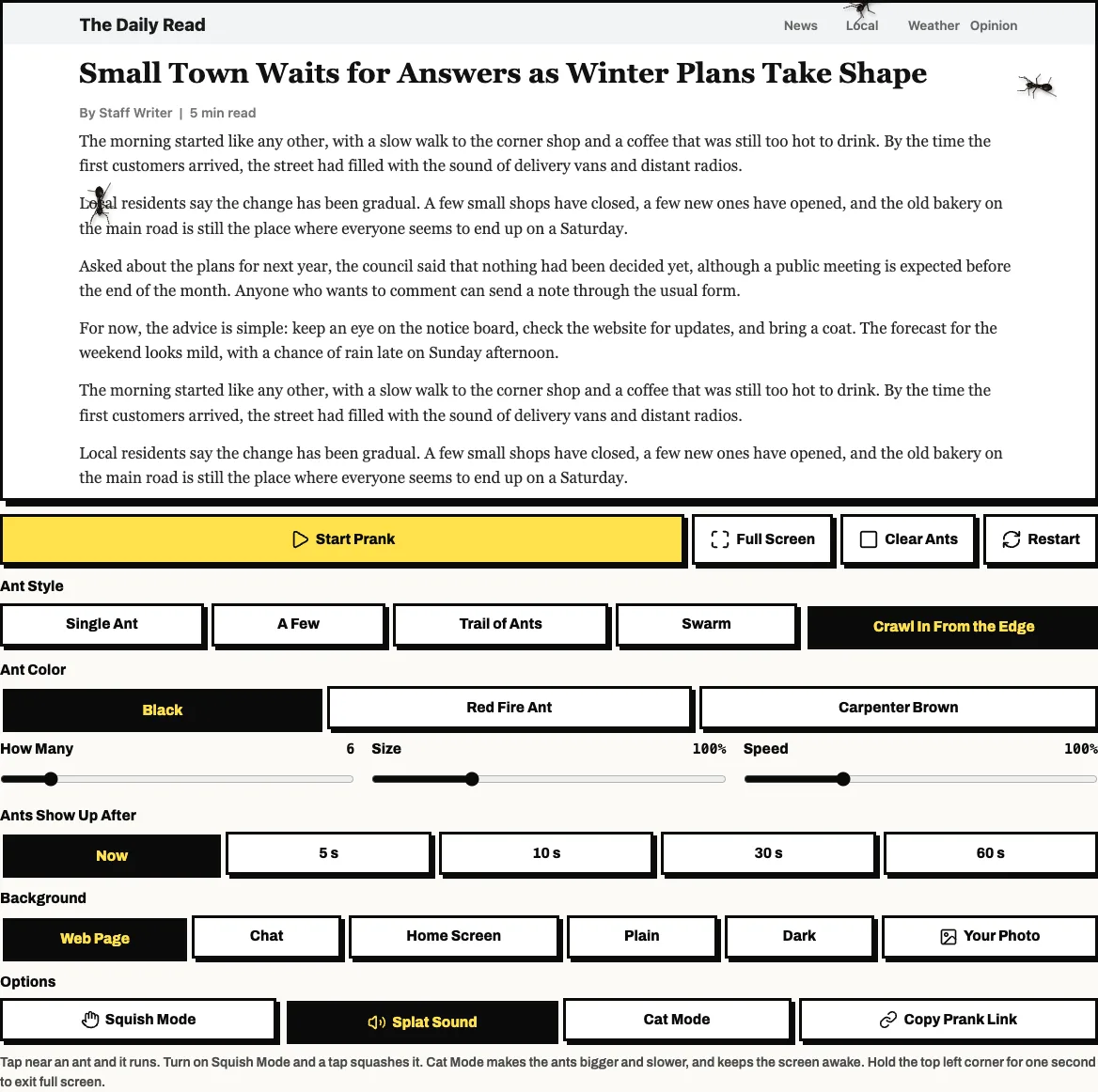
Tap near an ant and it runs. Turn on Squish Mode and a tap squashes it. Cat Mode makes the ants bigger and slower, and keeps the screen awake. Hold the top left corner for one second to exit full screen.


What Is Ant on Screen?
An ant on screen prank draws ants that crawl over your display as if they were on the glass. This one moves each ant leg by leg, sends them running when you tap near one, and lets you squish them. Choose a single ant, a trail or a swarm, then pick the delay.
Updated by the Prankked team
How to Do the Ant on Screen Prank
- Pick an ant style: Single Ant, A Few, Trail of Ants, Swarm or Crawl In From the Edge.
- Choose a background, an ant color, and how long to wait before the ants show up.
- Press Start Prank. The page goes full screen and the ants start to crawl.
- Hand over the screen. Hold the top left corner for one second to exit, or press Escape.
Do the Ant on Screen Prank on iPhone, Android and Computer
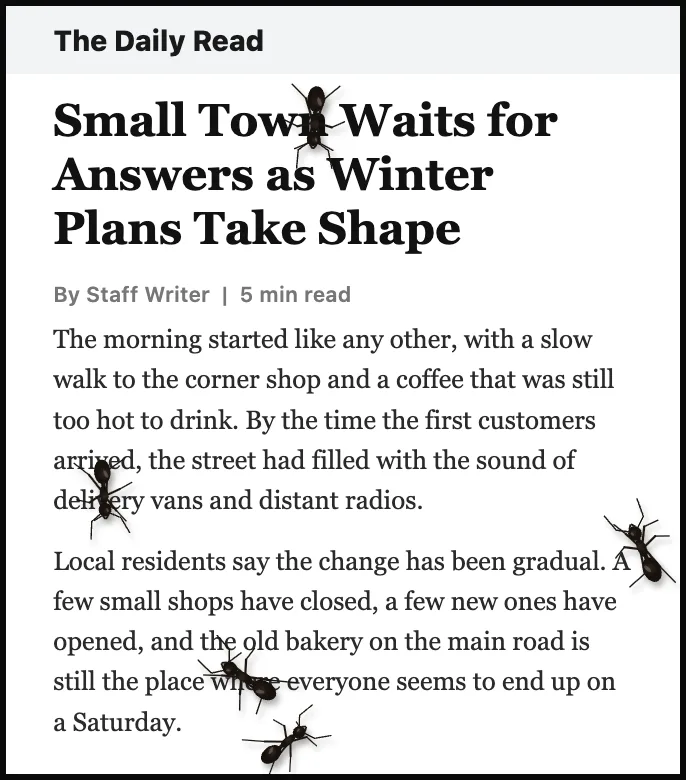
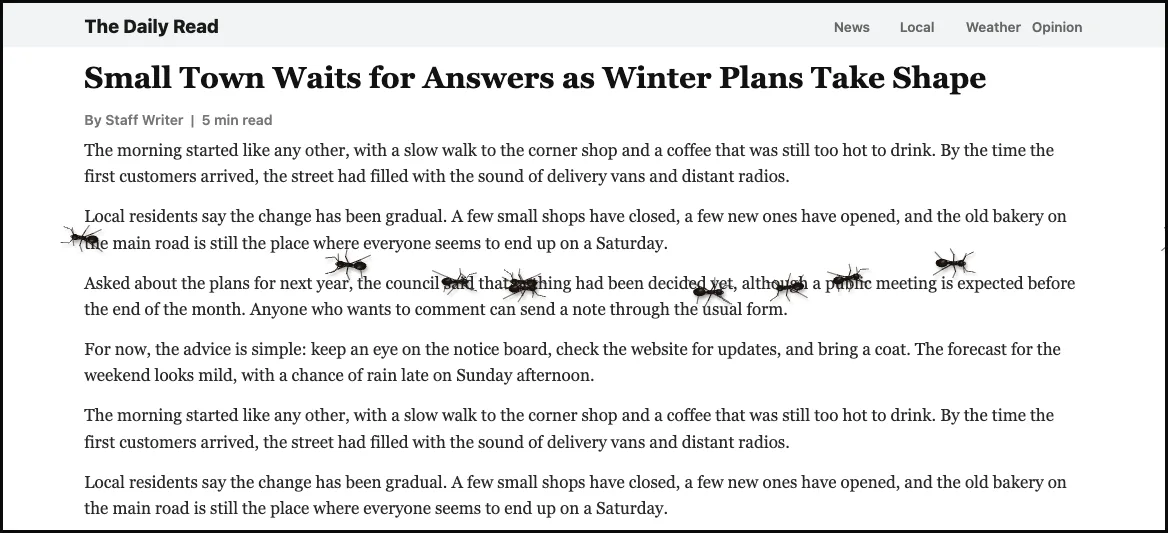
Open this page on the screen you plan to hand over. Nothing needs to be installed, because the ants are drawn right in the browser. They already crawl over a news page when it loads, so you can see how it looks before you change anything.
- iPhone: use Safari. Pick your ants, tap Start Prank and the page fills the display. Turn the silent switch off if you want the squish sound.
- Android: use Chrome. Full screen hides the address bar, so the ants walk all the way to the edges.
- Laptop or desktop: press Start Prank, then leave the lid open. Press Escape or hold the top left corner to bring the page back.
The ants wait for the delay you choose. With 10 s, the screen looks normal, and then the first ant walks in from the edge. That gap is what makes people reach for the glass.
Pick Your Ants
Every style uses the same ants. What changes is how they arrive and how many there are.
- Single Ant: one ant already on the page. It wanders, stops, cleans its feelers and carries on. This is the one that fools people for the longest.
- A Few: five ants spread across the page, each on its own route.
- Trail of Ants: a column that follows one curved path from edge to edge, with some ants walking the other way, like a real kitchen counter.
- Swarm: thirty ants coming in from every side. Good for a quick laugh, less good for a long prank.
- Crawl In From the Edge: a handful of ants that step onto the screen one at a time after the delay.
Pick a color to match your story. Black is the common garden ant. Red Fire Ant looks angrier on a white page. Carpenter Brown is a larger, warmer tone that stands out on a dark screen. The sliders set how many ants, how big they are and how fast they move.
Ant on Screen Prank Setups That Work
- The desk monitor. Set a 30 s delay, press Start Prank and walk to the coffee machine. Your coworker comes back to ants on a news page.
- The phone handoff. Hand over a phone and say, "Can you check something for me?" The ants are already on the page. Use Chat as the background and they walk over the messages.
- The watch party. Open the page on the living room laptop between episodes and let a single ant cross the screen.
- The video call. Share the browser tab in a call. Everyone sees the ants, and the person sharing acts like nothing is happening.
- The family tablet. Put the ants on a plain background and leave the tablet on the couch.
Always have a reveal line ready, such as "That one is mine." The prank works best when the person smiles within a few seconds. Do not use it on someone who is in the middle of something important, like a work deadline or a payment.
Why the Ant Prank Works
Small fast movement at the edge of your vision pulls your eyes without asking. A dark dot that stops and starts looks like something alive, and most people have wiped a real crumb or a real bug off a screen at least once. That reflex does the rest.
The ants here keep their feet planted while the body moves over them, then step, so they look like they have weight. Each one has a soft shadow on the page and antennae that never sit still. Turn on Squish Mode and a tap crushes one with a small splat, which is the satisfying part when the prank is over.
Is There an Ant on My Screen?
If you are here because something is moving on your display, look at where it is. A fake ant, like the ones on this page, moves over text and icons, runs when you tap it, and disappears when you close the tab. A real ant inside a monitor stays in one small area behind the glass, and it does not react when you scroll the page.
Tilt the screen and look from the side. A real ant sits between the layers of the panel, so it seems to float below the surface. If it moves with your cursor or a page element, it is on the page, not in the monitor. A page that draws ants is not a virus either. Closing the tab ends it.
How to Get a Real Ant Out of a Monitor or TV
Ants like warm electronics, cables and gaps, so now and then one gets trapped between the layers of a screen. These steps are gentle, and none of them involves opening the display.
- Turn the screen off and unplug it. Let it cool for an hour. Heat is often what draws ants in.
- In a dark room, shine a flashlight from the edge of the bezel toward the ant. Ants walk toward the light and out of the nearest gap.
- Tap the frame, not the glass, a few times. Never press on the glass, because the panel can mark or crack.
- Leave a small drop of something sweet near the edge of the screen and wait a day. The ant often walks out on its own.
- If the ant has died, wait for it to dry. It can shift or fall to the bottom edge, and many people stop noticing it there.
If none of that works, take it to a repair shop. Opening a panel yourself can damage the display and may void the warranty. To keep ants away afterward, clean up crumbs near your desk and keep food out of the room where the screen lives.
Ant Video for Cats and Screensaver Mode
Plenty of cats and dogs will chase ants across a screen. Turn on Cat Mode and the ants get bigger, move slower and dart in short bursts, which is what holds a cat's attention. The page also asks your device to keep the screen on while it runs.
Put a tablet on the floor, press Start Prank and step back. A few cat owners also leave it running on a spare monitor as a loop, since the ants never stop walking. Keep the glass in mind, because claws and screens do not mix. A tablet in a stand or a case with a bumper helps. The same setup works as a quiet screensaver for a desk display.
Ant on Screen for PC, Chromebook, Mac, Tablet and TV
It runs in any current browser, so there is no extension to add and nothing to remove afterward. On a Windows PC, Mac or Chromebook, open the page, press Start Prank and the browser goes full screen. On an iPad or Android tablet, the page fills the display, and you can add it to the home screen for a toolbar free view.
For a TV, open the page in the TV browser, or cast a laptop tab to it. Pick a larger ant size so they read from the couch. If you want to use another background, Your Photo lets you drop in a picture and the ants walk across it. The photo stays on your device and is never uploaded.
Is the Ant on Screen Prank Safe?
Yes. The page only draws on a canvas. It does not install anything, read files, send messages or change settings, and the ants are gone as soon as the tab closes. It is nothing like the real software that fakes insects on a screen to make people click, which is why it never asks for a download or a permission.
Ant on Screen or Bug on Screen?
This page is the ant first version, built for one prank done well. If you want spiders, flies, cockroaches, worms or beetles, or a mix of all of them, open Bug on Screen. Both use the same crawling engine, and both share a link that opens straight into the prank. For a different kind of scare, try the Broken Screen prank or a Fake Virus warning.
Ant on Screen Questions
How do I do the ant on screen prank on someone's phone?
Open this page on their phone, pick Single Ant or Crawl In From the Edge, set a delay of 10 s, and press Start Prank. Hand the phone back so the ants walk in while they look.
Is there really an ant on my screen?
If it runs when you tap it and moves over text, it is on the page. A real ant inside a monitor stays in one small spot behind the glass and does not react to scrolling.
How do I get an ant out of my monitor or TV?
Turn the screen off, let it cool, shine a light from the bezel edge so the ant walks out, and tap the frame gently. Never press on the glass. If it stays, ask a repair shop.
Why are ants attracted to my phone, laptop or monitor?
Electronics are warm, and ants like warm, tight gaps. Crumbs near a desk or a charging cable also bring them. Keep food away from devices and wipe the area now and then.
Can ants really get inside a phone?
Small insects can slip into gaps around ports and speakers, especially in warm, humid places. A page like this one only draws ants on the display, so nothing gets in.
Can I put ants on screen for my cat?
Yes. Turn on Cat Mode for bigger, slower ants that dart, then place a tablet in a sturdy stand. The page keeps the screen awake. Watch for claws on the glass.
Does the ant on screen prank work on a PC, Mac or Chromebook?
Yes. It runs in any current browser. Press Start Prank, and the page goes full screen. There is no extension and nothing to remove afterward.
Is the ant on screen prank a virus?
No. It draws pictures in the browser and does nothing else. Close the tab or press Escape and the ants are gone.