Broken Screen Wallpaper
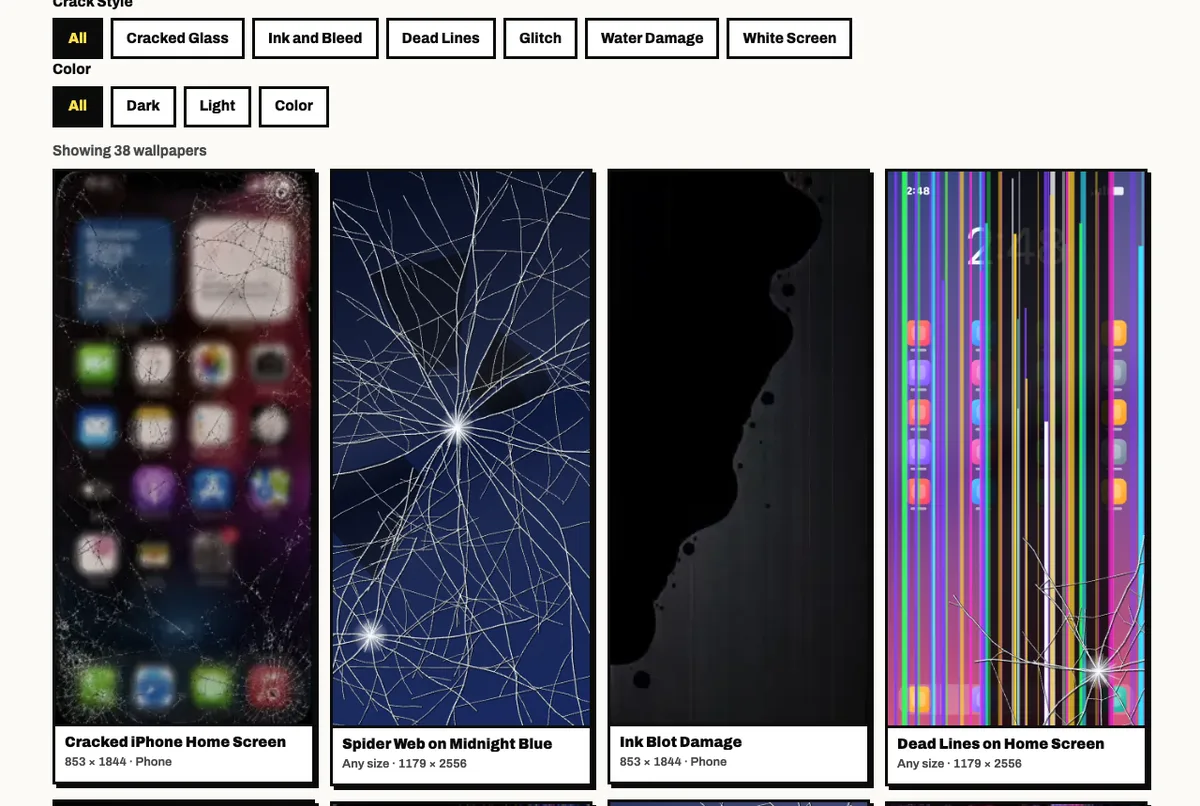
Pick a cracked screen, download it at your device's size, and set it as the wallpaper.
Crack Style and Color
No wallpapers match those filters.
Try the Full Screen Broken Screen Prank
Wallpaper
Set as Wallpaper


What Is Broken Screen Wallpaper?
A broken screen wallpaper is a picture of cracked, shattered or glitching glass that you set as your phone or computer background so the screen looks damaged. It is only an image. Pick one, download it at your screen size, and change it back to your normal wallpaper whenever the joke is over.
Updated by the Prankked team
How to Set a Broken Screen Wallpaper
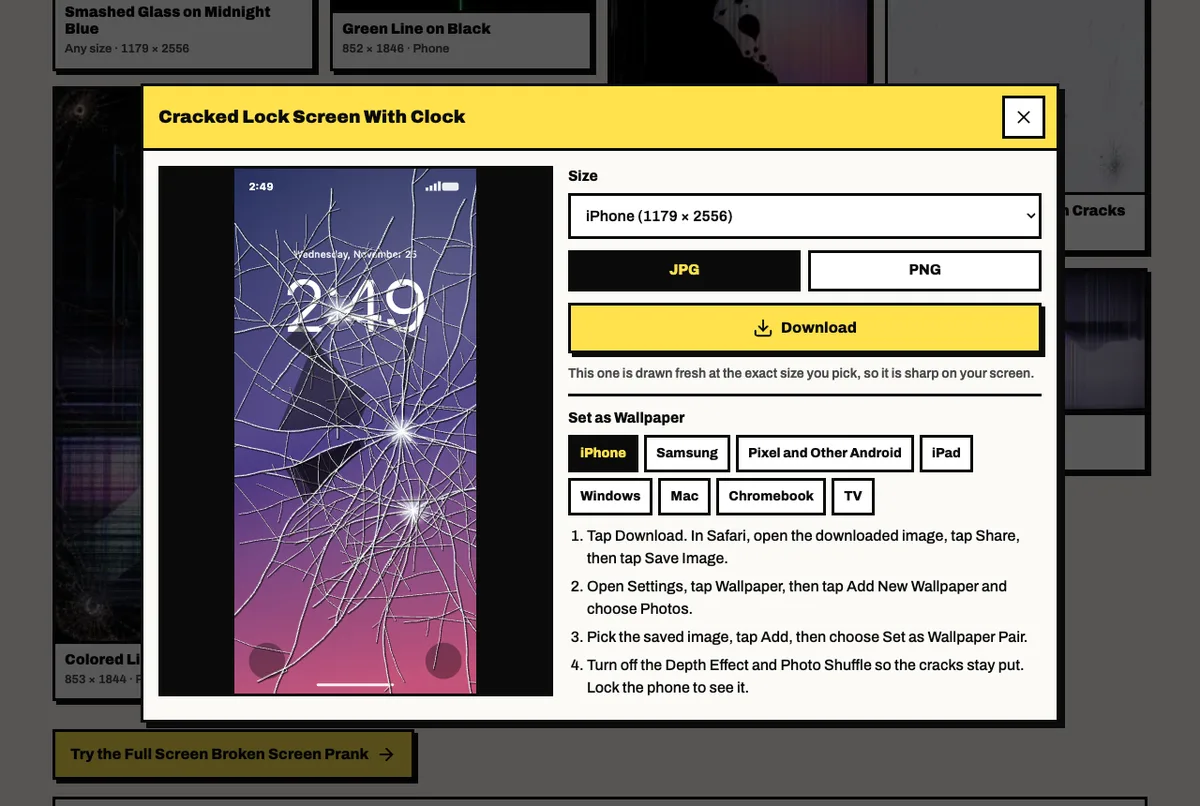
- Pick a wallpaper in the gallery and tap it to open the preview.
- Choose your device size, then press Download. Photos download at their true size and the generated ones are drawn at the size you pick.
- Open the saved image on the phone or computer you want to prank.
- Set it as the lock screen and the home screen or desktop background. The steps for each device are in the preview.
- Hand the device over, then change the wallpaper back when the joke is done.
How to Use a Broken Screen Wallpaper for a Prank
A cracked screen wallpaper works because people believe a smashed screen before they think about it. The trick is to set it on the lock screen and the home screen, so the glass looks broken the second the phone wakes up.
- Borrow the phone, or wait until it is on the table. Set the wallpaper, then put it back exactly where it was.
- Do it to a laptop or a work monitor while the owner is at lunch. A cracked desktop background is hard to ignore.
- Say nothing. Let them find it. The first reaction is the whole joke.
- Tell them within a few minutes and change it back. A prank that runs all week stops being funny.
Skip people who are having a bad day, anyone who truly relies on their phone for work that hour, and any device that is not yours or a friend's who will laugh about it.
How to Set a Broken Screen Wallpaper on iPhone, Android, PC and Mac
Every wallpaper opens a preview with the steps for your device. Here they are in one place.
iPhone
Tap Download and, in Safari, open the saved image, tap Share and choose Save Image. Then open Settings, tap Wallpaper, tap Add New Wallpaper and choose Photos. Pick the image, tap Add and choose Set as Wallpaper Pair. Turn off the Depth Effect and Photo Shuffle so the cracks stay where they are.
Samsung Galaxy
Open the image from My Files or Gallery. Touch and hold the Lock screen, tap Wallpapers, choose Gallery and pick the image. Drag it into place. Do not crop it first, because the phone crops it to fit.
Pixel and Other Android Phones
Open the image in Photos or Gallery, tap the three dot menu and choose Use as or Set as, then Wallpaper. Pick the home screen, the lock screen or both.
iPad
Save the image from Safari, then open Settings, tap Wallpaper and Add New Wallpaper, and choose Photos. Turn off Perspective Zoom and Photo Shuffle if they are on.
Windows 10 and 11
Open Settings, then Personalization, then Background. Choose Picture, click Browse photos and pick the file. Set the fit to Fill.
Mac
Right click the file in Finder and choose Set Desktop Picture, or open System Settings, then Wallpaper, and add the photo. Set it to Fill Screen.
Chromebook
Right click the desktop and choose Set wallpaper and style. Choose My Images and pick the file from Downloads.
TV
Copy the 4K image to a USB drive, plug it into the TV and open it in the photo viewer, or cast it from a laptop and leave it full screen.
Pick the Crack Style That Looks Real
Not every crack fits every screen. Match the damage to the device and the light.
- Cracked glass is the classic. A spider web from one hit looks like a dropped phone. A corner smash looks like it landed on a curb.
- Ink and bleed looks like a failed display. Black blots and purple bleed read as real on dark wallpapers and on OLED phones.
- Dead lines are thin colored stripes down the glass. They look like a screen that took a hard knock and still turns on.
- Glitch breaks the picture into blocks of pixels, which suits a tablet or a laptop.
- Water damage is a swirl of rainbow stains that spreads from the edges.
- White screen looks like a screen that has stopped drawing, with cracks over it. Use it on a light desktop.
Dark wallpapers hide the fake the best, because a real broken screen is mostly black. A light cracked wallpaper looks more like a photo of a screen, so it works better on a laptop than on a phone.
Broken Screen Wallpaper Sizes for iPhone, Android, iPad and PC
A wallpaper that does not match the screen gets stretched or cropped, and a stretched crack gives the joke away. The generated wallpapers in the gallery are drawn at the size you choose, so they stay sharp:
- iPhone: 1179 × 2556, or 1290 × 2796 for the Pro Max models.
- Android: 1080 × 2400, or 1440 × 3200 for QHD+ screens.
- iPad: 1640 × 2360, 2064 × 2752 for iPad Pro 13 inch, and 2360 × 1640 for landscape.
- Laptop and desktop: 1920 × 1080, 2560 × 1440 or 3840 × 2160 for 4K.
The photo wallpapers are real captures of damaged screens and they download at the size they were made: 853 × 1844 for phones, about 1086 × 1448 for iPad and 1672 × 941 for the TV one. They are never stretched. A phone fits a 853 × 1844 photo well, because phones crop wallpapers to the screen shape, but for a 4K monitor use one of the generated sizes.
Wallpapers With Apps, a Clock and a Lock Screen
People search for cracked wallpapers with the time and with apps for a reason. A black cracked picture on a phone is easy to spot as a wallpaper, because there is no clock and no icons. Add those and the joke lands.
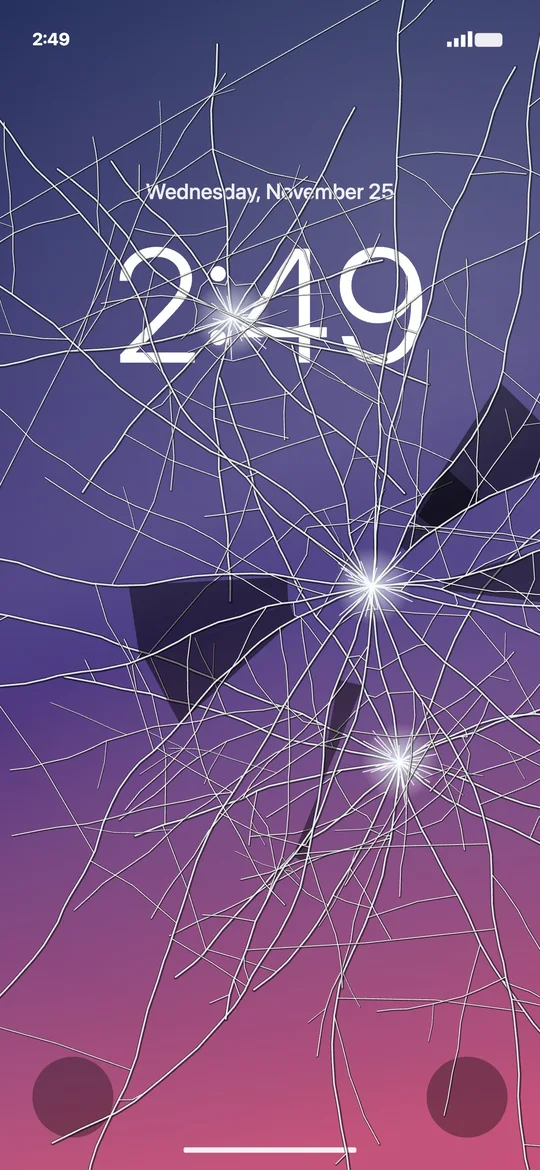
- Cracked lock screen with clock shows a date, a large time and the two corner buttons under the glass.
- Cracked home screen with apps draws a row of plain colored app tiles, a dock and a status bar behind the cracks.
The icons are generic shapes, not real apps. If you want your own icons under the cracks, pick a black cracked wallpaper without apps, and the real icons sit on top of it. Match light or dark mode to the wallpaper you pick.
Broken Screen Wallpaper Prank Ideas That Work
- The dropped phone. Swap the wallpaper, then ask your friend to hold your phone for a second. Say you dropped it this morning.
- The office monitor. Set a cracked 4K wallpaper on a shared monitor. Leave the desk icons alone so it still looks like a working screen.
- The family tablet. Put a cracked iPad wallpaper on the tablet the kids use, and watch them try to swipe it away.
- April Fools. Change a few devices at breakfast and tell everyone by lunch.
- The video. A cracked wallpaper makes a good backdrop for a short reaction video or a skit. Film the reveal.
Keep a line ready for the reveal, like "Relax, it is only the wallpaper." That gets the laugh and heads off the panic.
Is a Broken Screen Wallpaper Safe?
Yes. It is a picture file. It does not damage the glass, the display or the software, and it does not install anything. To remove it, set your old wallpaper again with the same steps you used to set it. If the wallpaper looks stuck on an iPhone, open Settings, then Wallpaper, and pick a different one for both the lock screen and the home screen. A real crack never goes away by changing the wallpaper, so if a screen is really broken, only a repair will fix it.
Wallpaper or the Full Screen Prank?
A wallpaper stays on the device until someone changes it. It works while you are not there, and it works on a phone that is locked. The icons still respond, though, so a sharp person notices that the screen works fine under the cracks.
The Broken Screen prank is different. It is a full screen page that cracks when someone taps it, with glass sounds and a shake, so the glass seems to break right in front of them. Use the wallpaper for a slow joke and the prank page for a loud one. Many people do both.
Do You Need an App for Broken Screen Wallpapers?
No. These download straight from this page, with no account and no install. Wallpaper apps for cracked screens often show ads and ask for permissions you do not need to set a single picture, so a plain download is the simpler path. If you want the cracks to appear when someone taps the screen, open the Broken Screen prank page instead, which also runs in the browser.
Using the Wallpapers
Use them on your own devices and in your own videos and posts. Please do not sell the images or package them as your own. They were made for pranks, so do not use them to trick anyone into a real repair bill, a refund or an insurance claim.
Broken Screen Wallpaper Questions
How do I set a broken screen wallpaper on my iPhone?
Save the image, then open Settings, tap Wallpaper, tap Add New Wallpaper, choose Photos, pick it and tap Add. Choose Set as Wallpaper Pair so it covers the lock screen and home screen.
What size should a broken screen wallpaper be?
Match your screen. Phones use sizes like 1179 × 2556 or 1080 × 2400, iPads 1640 × 2360, and monitors 1920 × 1080 or 3840 × 2160. The preview lists the common sizes for you.
Can I get a cracked screen wallpaper for my PC or laptop?
Yes. Pick the Laptop and Desktop filter, choose Full HD, QHD or 4K, download it, then set it as your desktop background in Windows, macOS or ChromeOS.
How do I get rid of a broken screen wallpaper?
Set your old wallpaper again from your phone or computer settings. It is only a picture, so changing it removes the cracks at once.
Will a broken screen wallpaper hurt my phone?
No. It is an image file and does nothing to the glass, the display or the software. It only changes what the screen shows.
How do I make a cracked wallpaper look real with apps and a clock?
Choose the cracked home screen with apps or the cracked lock screen with clock. Both draw a status bar, a time and icon shapes under the glass.
Is a broken screen wallpaper the same as the broken screen prank?
No. The wallpaper is a still picture you set once. The broken screen prank is a full screen page that cracks when someone taps it, with sound and vibration.
Why does my downloaded wallpaper look cropped?
Phones crop wallpapers to fit. Pick the size that matches your screen, and on Samsung phones do not crop it first, because the phone does that for you.