Prank App
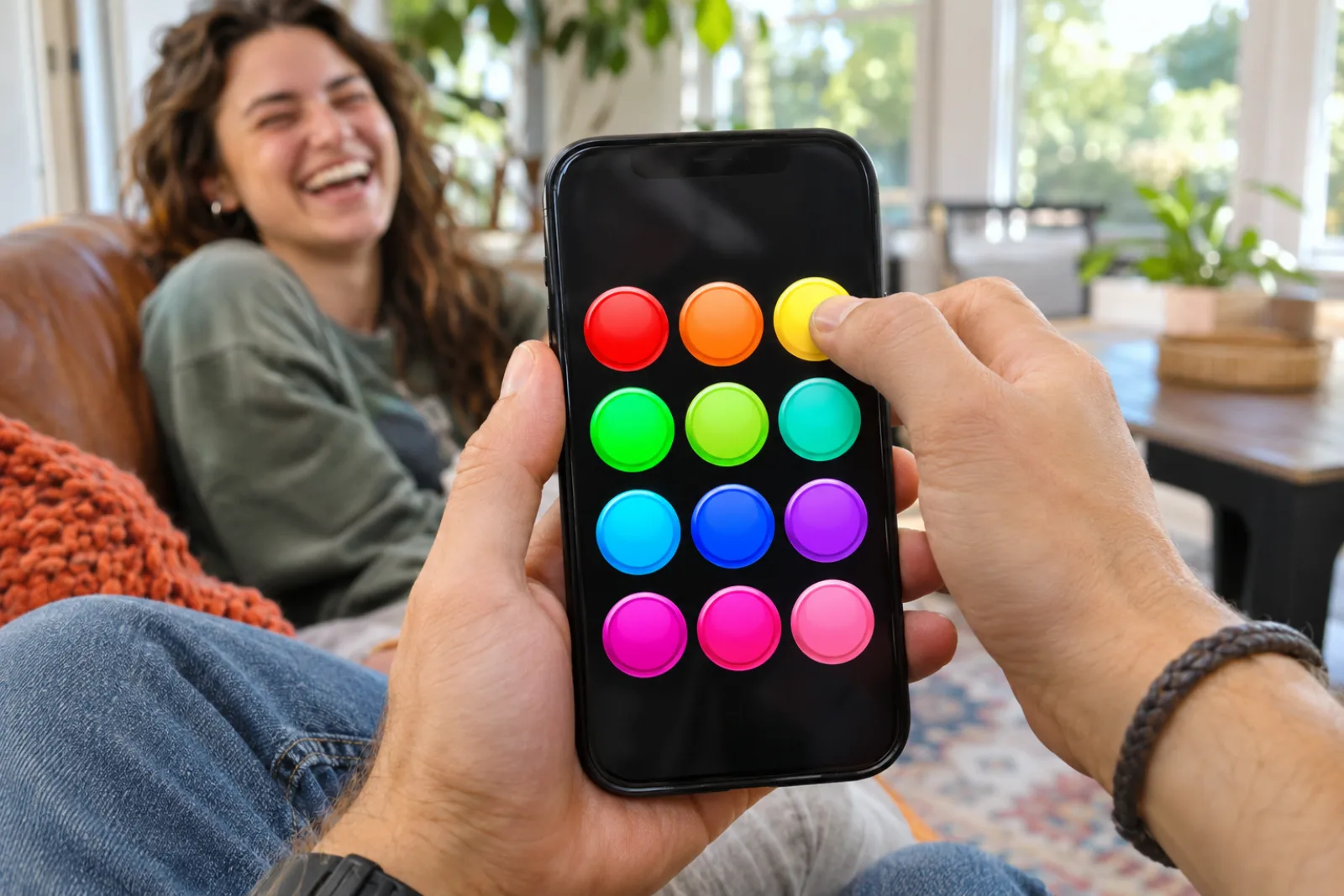
A prank app turns your phone into a joke: a fake incoming call, a cracked screen, a hacker screen or a button that plays a sound. The safe ones run on your own phone, ask for few permissions and place no real calls. Here is how to choose one, and how to skip the app entirely.

Updated by the Prankked team
Prank apps come in a few different kinds, and the names are confusing. A prank call app and a fake call app are not the same thing. Below you will find what each kind does, what to check before you install one, and an honest look at the Pranksters apps.
What Does a Prank App Do?
Almost every prank app falls into one of four groups.
- Soundboards. A grid of buttons that each play a sound, like an air horn, a sneeze or a fart noise. Many have timers so a sound goes off later.
- Fake call apps. Your own phone shows an incoming call screen at a time you choose, so you can answer it, or use it as a polite way out of a conversation.
- Screen prank apps. The screen looks cracked, broken, infected or hacked. The effect is a picture, and nothing on the phone is actually harmed.
- Prank call apps. These place a real call to a real phone number and play a recording or a voice effect. They are a different thing from the rest, and the next section explains why that matters.
Plenty of apps mix several of these. If you are not sure which one you need, start with what you want to happen in the room, and work backward.
Prank Call App vs Fake Call App
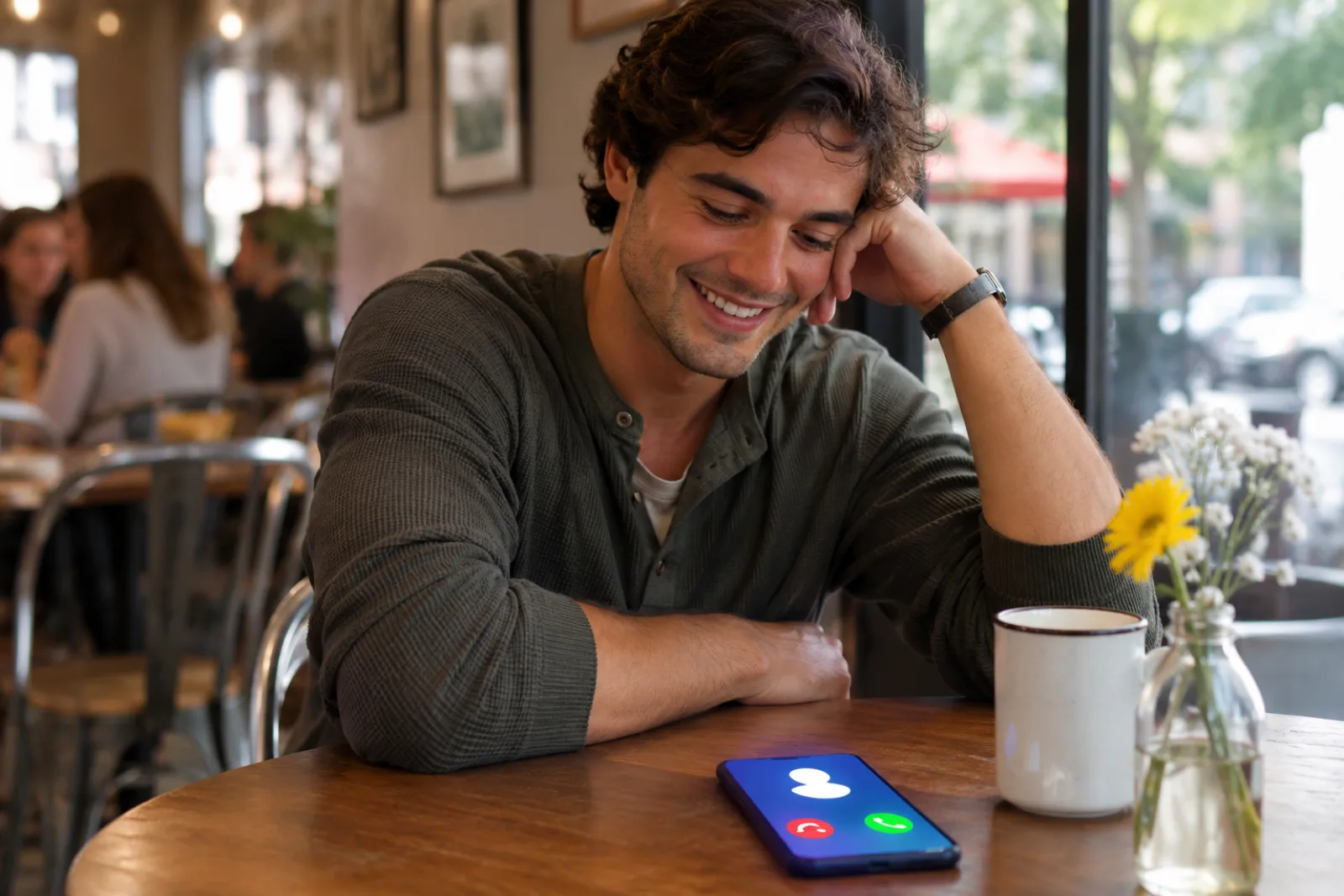
The two names sound alike, but they work in opposite ways.
A fake call app makes your own phone ring. You choose the caller name and when it rings, and then you answer a call that was never made. Nobody is dialed, nobody is bothered, and it is useful for a prank or to leave a boring chat. You can try this right now with our fake call page.
A prank call app calls another person. That person did not agree to be part of a joke, may be at work or in a sad moment, and may not find it funny at all. Some apps record the call or charge by the call. Laws about recording, harassment and unwanted calls differ by place, so check the rules where you live, and think twice before dialing a stranger. A friend who is in on it is a different story, and a fake call to your own phone gets you the same laugh with no risk.
Broken Screen Prank App and Fart Sound App

Two common kinds of prank app are simple and need little setup.
A broken screen prank app shows a cracked or smashed screen over your display, often with a glass sound and a buzz. You hand someone the phone, or leave it face up, and the crack appears when they tap or after a timer. A good one has an exit that is easy for you and hard to stumble on. You can use the same effect on our broken screen page, on a phone, tablet, laptop or TV, with a crack style of your choice and a timer. There is also a broken screen wallpaper if you only want a still picture.
A fart sound app is a soundboard of fart noises with different types, from squeaks to long ones. The funniest feature is a timer, so you can hide the phone and wait. Try the fart sounds board and its Sneak Attack timer. For something louder, there is also the air horn. Keep the volume away from anyone's ears, and use sounds with people who like them.
What to Look for in a Prank App
Before you install a prank app, spend a minute on the store page.
- No sign-up for the basics. A fake call or a sound button does not need your email address.
- Clear pricing. Check whether the app is free, supported by ads, a one time purchase, a subscription or paid in tokens. Tokens or subscriptions are common in apps that place calls.
- The data section. Both stores show what an app says it collects. An app with a few items is a different deal from one listing contacts, identifiers and tracking.
- Recent updates and real reviews. Read the low ratings. Complaints about surprise charges or constant ads show up there first.
- Honest wording. A good listing says plainly what the app does and does not do, such as "no calls are placed."
- An exit. A screen prank should have a simple way out, such as holding a corner, so a prank never traps a phone.
Prank App Permissions and Safety
Most prank apps need far less access than they ask for. As a rule of thumb:
- A soundboard needs nothing but sound. It should not need contacts or location.
- A fake call may ask to show notifications or play over the lock screen so it can ring. That is reasonable. Asking to read your contacts is not needed unless you want to pick a caller from your phonebook, and you can type a name instead.
- A screen prank may need permission to show over other apps. If it asks for more than that, skip it.
- A prank call app needs your phone number and often your contacts. Think about whether you want that stored by a company.
Say no to anything that does not match what the app does, and you can change permissions any time in your phone's settings. Download only from the official store, never from a loose file on a website, and keep kids off apps that charge in the background. Never use a prank app to fake a real emergency, a police call or a message from a real company. That is not a prank, and it can get you into serious trouble.
The Pranksters App, Honestly
Pranksters is made by the same team as Prankked, so we will be plain about what each version does. The two apps are not the same, and we would rather you know before you download.
Android. The Pranksters app on Google Play has a fake call, a hacker typer, a fake virus, a broken screen prank, fart sounds and other soundboards. It lists no sign-up, and its listing says no calls are placed and nothing on the phone is changed.
iPhone. The iPhone app on the App Store is listed as "Coin Flip, Dice & Soundboard." It has the soundboard, a coin flip, dice, a name picker, a random number and a spin the wheel. It does not have the fake call, hacker typer, fake virus or broken screen prank. If you are on an iPhone and want those, the pages on this site do the same thing in your browser.
Neither app is required for anything on Prankked. If a store page ever disagrees with this one, trust the store page, since it is updated more often.
Every Prank on Prankked Works in the Browser, No App Needed
Every prank on this site runs on the web page you are already on. There is nothing to install and no account to make, which also means no permissions to approve beyond what a page normally needs, like sound. What you type into a tool stays on your device.
- Fake call for a call that rings your own phone.
- Broken screen for a phone, tablet, laptop or TV that looks smashed.
- Fake virus for a harmless warning screen with a reveal.
- Hacker typer for a screen full of code at every key press.
- Fart sounds and the air horn for sound pranks with timers.
- Fake text message to draw a chat picture.
An app has one advantage: it is on your home screen, so it opens fast and works with a spotty connection. A browser page is better when you are on an iPhone, on a laptop, or just do not want one more icon. Browse all our phone pranks, soundboards and computer pranks to see what is there.
Tips
- Test the prank on your own phone first so you know how to exit it.
- Turn the volume down before you open a soundboard in a quiet place.
- Tell a parent before you install anything, and ask them before you buy anything inside an app.
- Delete apps you no longer use. They still hold permissions.
Keep It Kind
Keep prank apps for people who are in on the fun or will laugh at the reveal. Never use one to scare someone with fake news, a fake emergency or a fake warning from a real company.